
Equipment
Displays, monitors & TVs
When people stand close to the picture, a direct-view screen is often the simpler rental. This category covers desktop monitors, televisions, 4K panels, high-refresh gaming displays, and touchscreens.
Where it usually fits
- Exhibit booths
- Lobbies
- Confidence monitors
- Training labs
- Registration desks
Monitors
Desktop and production monitors for presenter desks, registration, and multi-screen workstations. Tell us if they need stands, arms, or to sit on a table you already have.
- Single screens or small banks that match a workstation
- Note resolution and whether the source is a laptop or a player
- Adapters are part of the plan, not a day-of surprise
Televisions and large displays
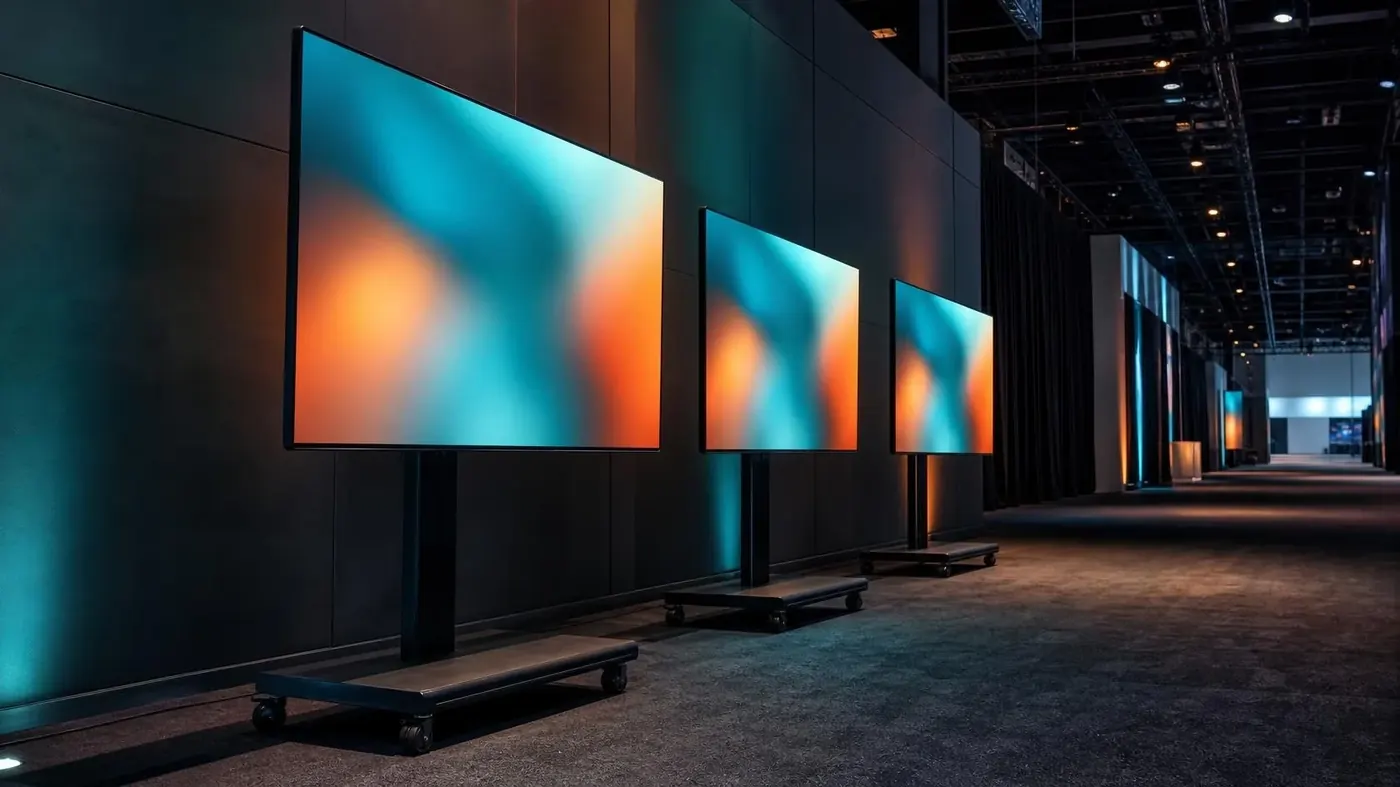
Flat panels for booths, overflow rooms, green rooms, and lobbies. Everyday conference sizes through large-format displays, with floor stands or wall mounts.
- Floor stand, wall mount, or a table the venue allows
- Looping playback versus a live laptop
- One screen per message is easier to read than a crowded layout
4K and ultra HD
Use 4K when the content actually has the detail: product close-ups, fine type, or a playback master that was finished at that resolution. The player, the cable, and the source have to carry it.
- Confirm the source file or laptop output is ultra HD
- Keep cable runs realistic for the signal
- Pair with a scaler if other sources in the room are not 4K
Gaming monitors
High-refresh displays for esports stations, timed demos, and any pod where motion has to stay sharp. Plan the stand, the PC or console, and how many stations share a look.
- Refresh rate and size per station
- Headphones or a local speaker, so the hall does not carry every game
- Power and cable paths the public will not trip on
Touchscreens
Interactive displays for registration, wayfinding, product demos, and collaboration tables. The software is usually yours. The stand, the mount, and the input are the rental.
- Kiosk, table, or wall orientation
- Who loads the content, and when
- A backup non-touch screen if the interaction is critical
What to tell us
- Viewing distance and whether people are walking or seated
- Stand, mount, or furniture the screen has to live on
- Media player, laptop, or live source
- How many screens repeat the same image
Often quoted with
- Projectors & screens
Conference, short-throw, and higher-output projectors with screens sized to the room.
- Video walls & LED
LED walls and tiled displays for stages, exhibit halls, and rooms that need one large picture.
- Digital signs
Agenda boards, wayfinding, and lobby or sponsor loops on screens with players and stands.
Tell us about the room.
Dates, venue, and what the session is for. We will come back with a practical gear list.