Equipment
Virtual reality
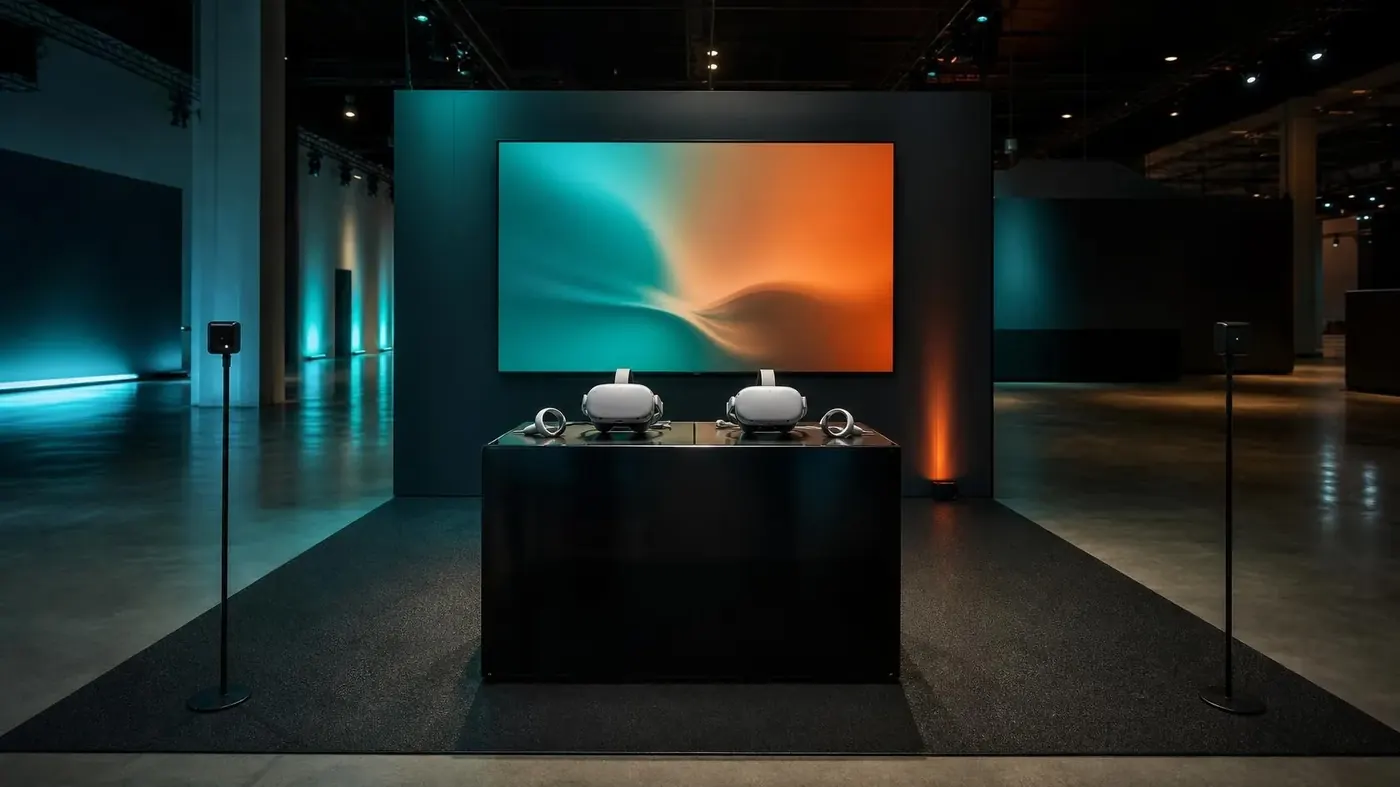
A headset rental is a station, not a loose gadget. Plan the computer that drives it, a screen so the line can watch, a path for the next person, and a reset between users.
Where it usually fits
- Experiential demos
- Training simulations
- Innovation showcases
- Booth activations
Headset stations
Headsets paired with the computer they need, on a table or a bounded standing area. Tell us if the experience is seated, standing, or room-scale, and whether the content is yours.
- Seated demo versus space to turn around
- Who provides the experience or app
- Power and a staffed station, not an unattended table
A picture for everyone else
A mirrored display lets the crowd see what the headset user sees. Without it, a VR rental is a private moment in a public room. Add simple lighting so the station reads as part of the booth.
- One display per station, large enough for the aisle
- Audio on headphones so the hall stays usable
- Time and wipes between guests
What to tell us
- Content owner and how it is launched
- How many people per hour you hope to move through
- Floor space and a boundary
- Staff who will reset the station
Often quoted with
- Displays, monitors & TVs
Monitors, televisions, 4K screens, gaming displays, and touchscreens for rooms and booths.
- Cameras, streaming & conferencing
Room cameras, capture, and streaming gear for hybrid meetings and recorded sessions.
Tell us about the room.
Dates, venue, and what the session is for. We will come back with a practical gear list.