
Equipment
Video scalers & processors
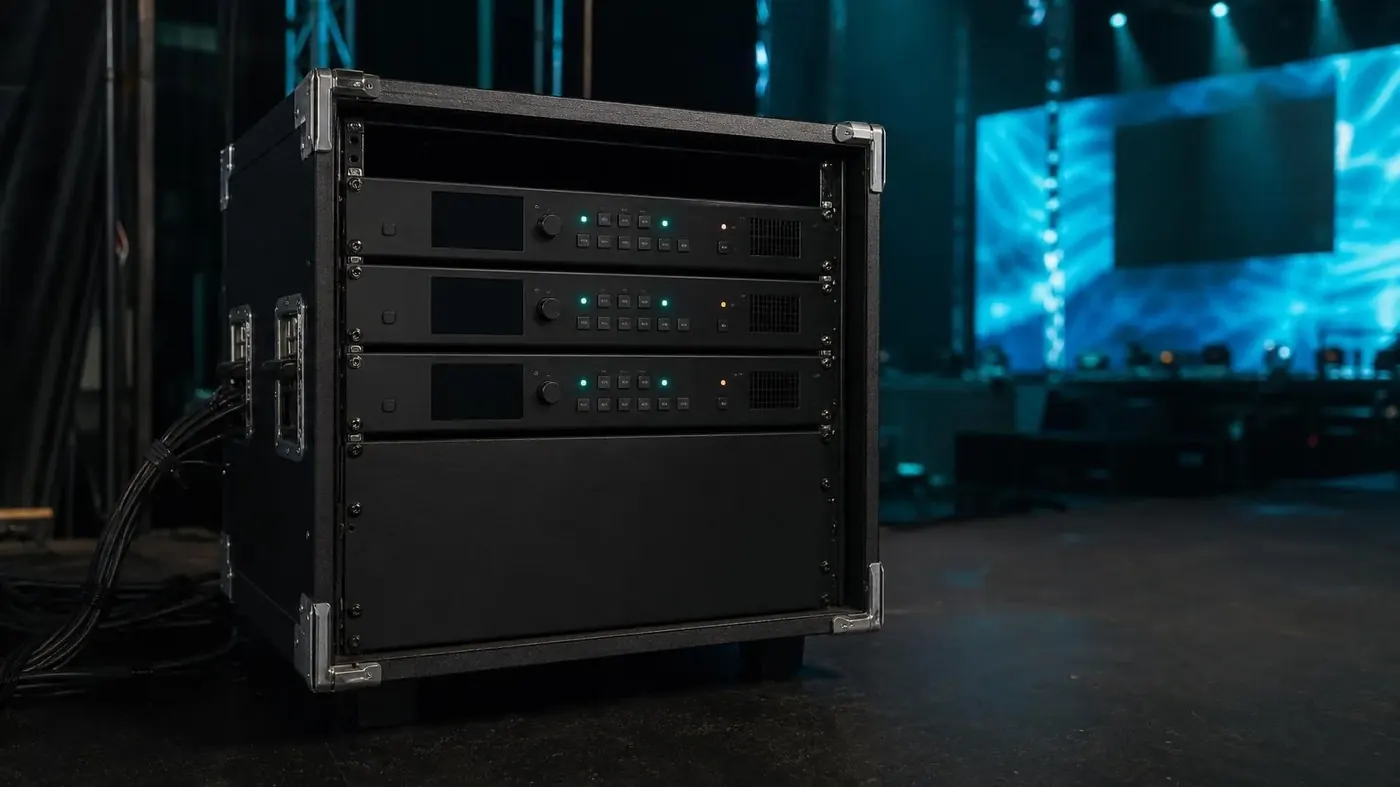
Most show-day picture problems are format problems. A laptop, a camera, and a playback device rarely arrive at the same resolution. Scalers, converters, and switchers keep the projector and the wall on one signal.
Where it usually fits
- Mixed laptop rooms
- Camera plus playback
- Video walls
- Backup source switching
Scaling and conversion
Scalers and converters take HDMI, SDI, and older outputs and land them at the resolution the display expects. They also save a room when an unexpected laptop appears at call time.
- List the outputs you know: HDMI, USB-C, DisplayPort, SDI
- EDID and resolution the projector or wall wants
- A small converter kit at the lectern, not only in the rack
Switching and wall processing
Switchers for rooms with more than one source. Wall processors when the picture is split, spanned, or built from several inputs. This is the same family of gear the video wall page plans around.
- How many inputs are live, and who switches them
- A preview or a simple take, depending on the crew
- Label both ends of every cable
What to tell us
- Every source device and its connector
- The native resolution of the main display
- Cable lengths, especially over a ballroom floor
- Who is operating the switch during the session
Often quoted with
- Video walls & LED
LED walls and tiled displays for stages, exhibit halls, and rooms that need one large picture.
- Projectors & screens
Conference, short-throw, and higher-output projectors with screens sized to the room.
- Cameras, streaming & conferencing
Room cameras, capture, and streaming gear for hybrid meetings and recorded sessions.
Tell us about the room.
Dates, venue, and what the session is for. We will come back with a practical gear list.